
Supported platforms
Text and voice entry are available through supported AutoLedger capture flows on iPhone, iPad and Mac. Apple Watch provides a focused quick-entry experience.
 AutoLedger
A small purchase should not require a long form. AutoLedger accepts a short natural-language sentence, organizes the likely amount, merchant, time and category, and leaves the final record for you to review.
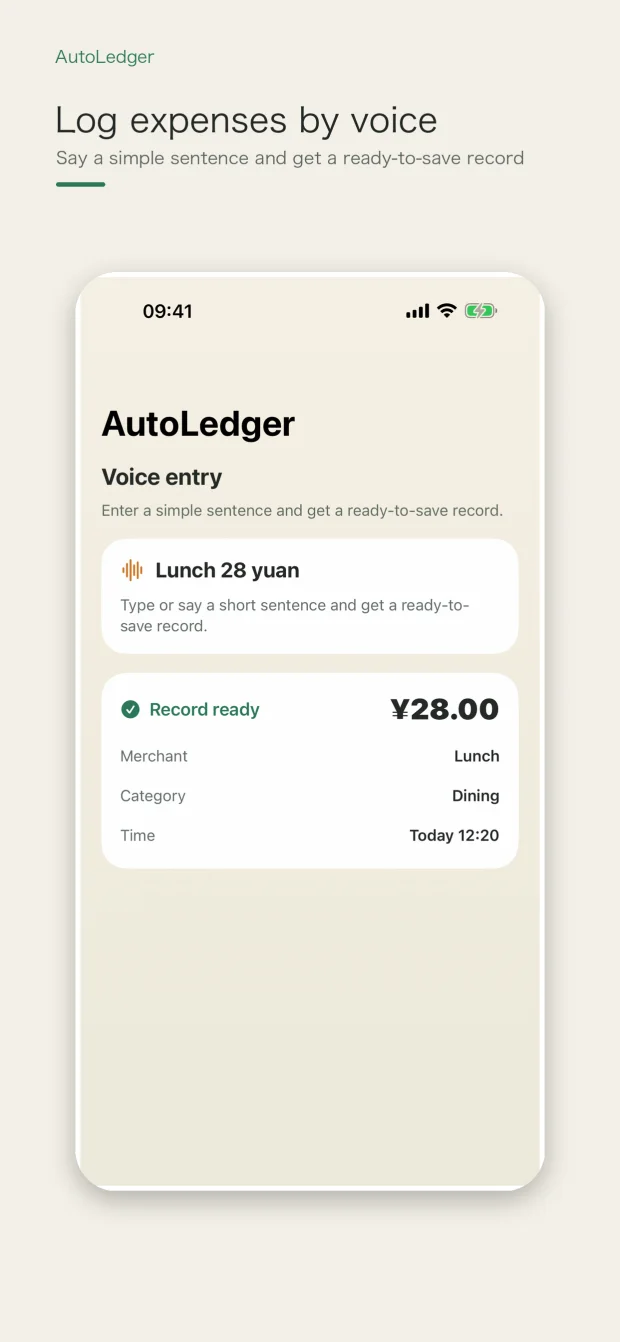
Use text when typing is convenient or voice when your hands are busy. The app interprets the sentence as an expense draft, but it does not make the spoken result irreversible.
Text and voice entry are available through supported AutoLedger capture flows on iPhone, iPad and Mac. Apple Watch provides a focused quick-entry experience.
Interpretation can be affected by pronunciation, background noise, missing context and ambiguous phrasing. Always review the resulting draft.
This page describes AutoLedger's own text and voice flows. It does not promise integration with an unlisted voice assistant or third-party platform.
Supported intelligence begins on device when available. Optional external recognition services may process the input only when you explicitly configure or enable them.